 HyperCut
Your videos, without the extra.
HyperCut finds the pauses, filler words and retakes in a take and cuts them out, on your iPhone, in seconds. You review every cut before anything leaves your hands.
Runs on your device. Nothing is uploaded unless you ask.
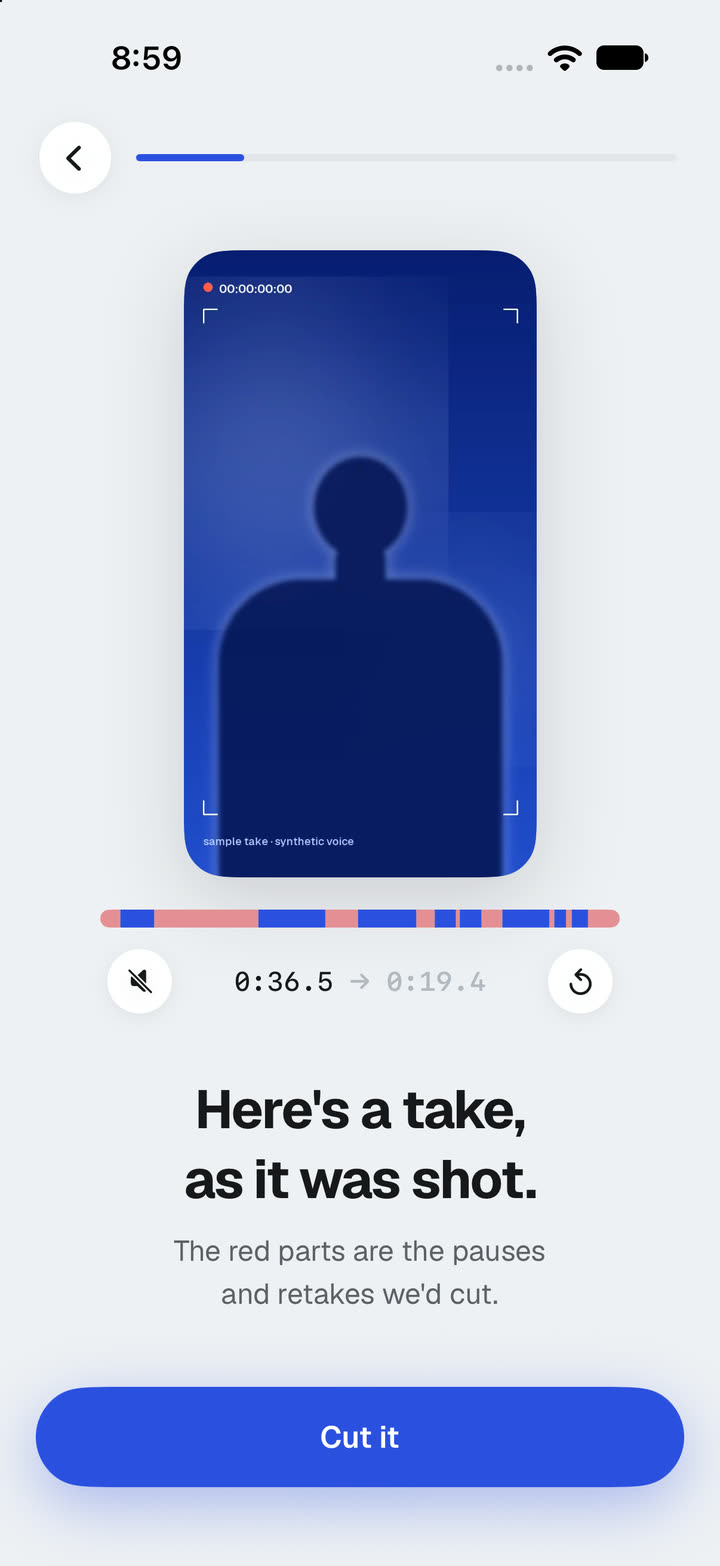
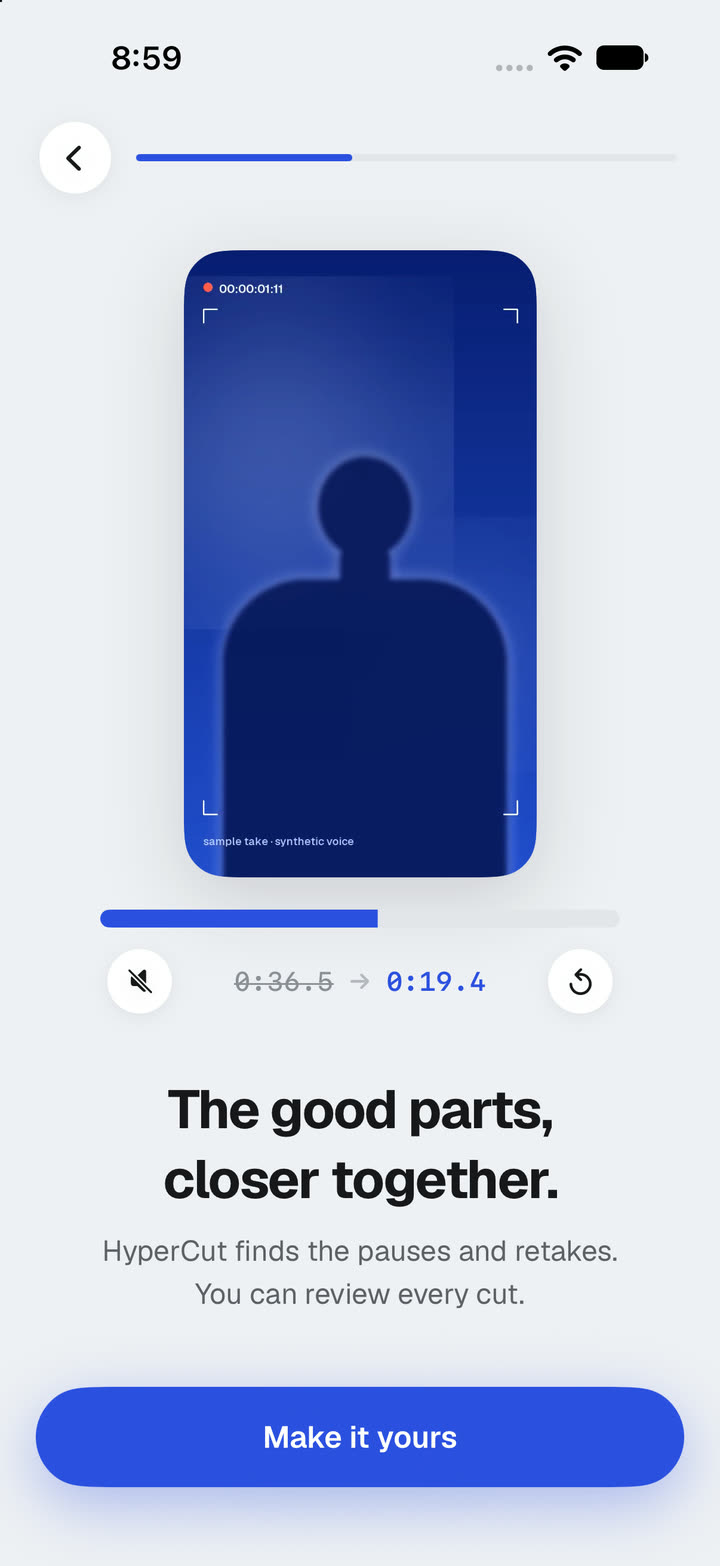
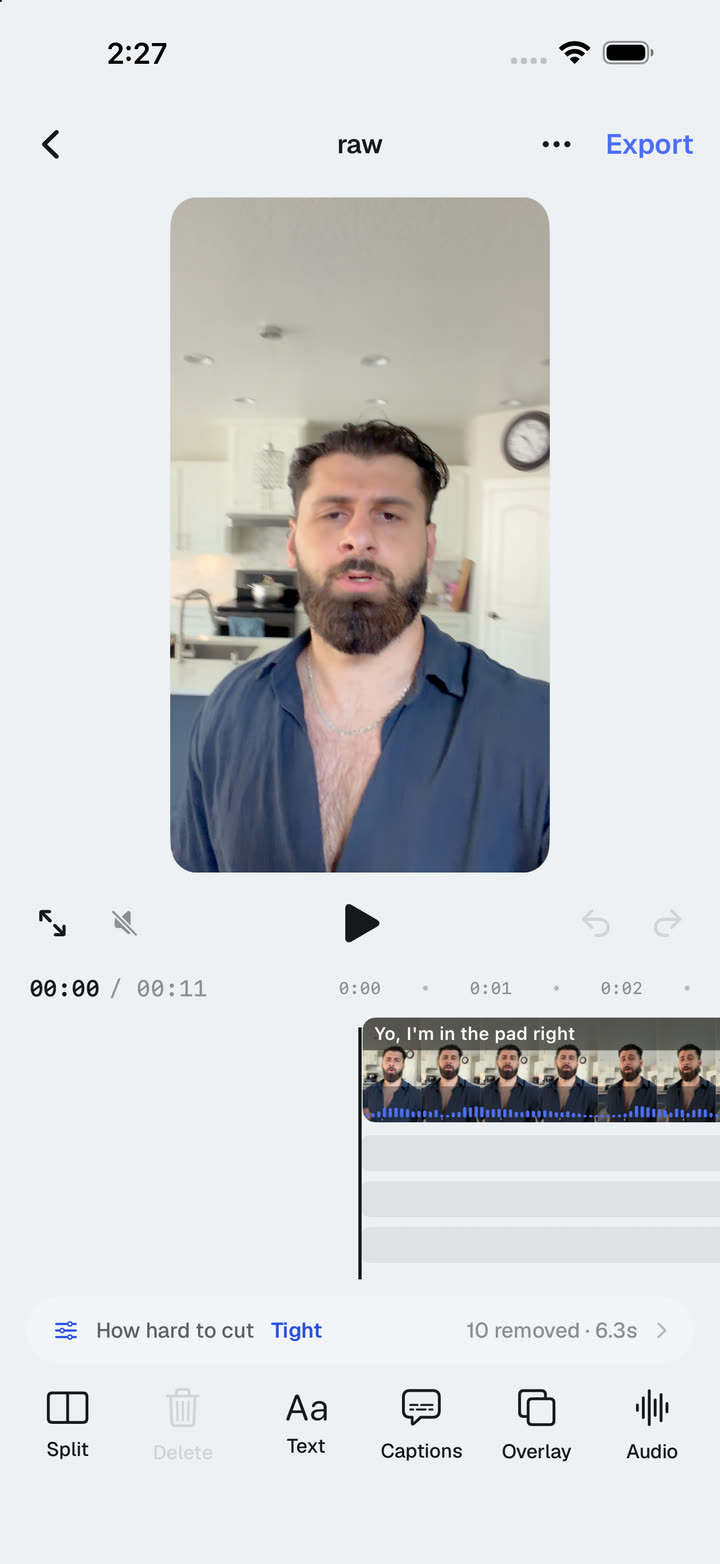
Record. Let it cut. Check the work.
No timeline scrubbing, no razor tool. HyperCut listens to the take and does the tedious part.
Record or import
Film straight in the app or drop in clips from your library. Add ten at once; they queue up and cut while you do something else.
HyperCut finds the extra
Dead air, the “ums” and “uhs”, and the sentence you said twice. You choose how tight the pace should feel: natural, balanced or snappy.
Review, then export
Every cut is listed with the words it removed. Restore any of them in one tap, add captions, and export in 1080p or 4K.
Built for people who talk to a camera.
Creators, coaches, founders, teams. Anyone who records a take and wishes the editing were already done.
On your device
Transcription and cutting happen on the phone. Your footage stays in your library unless you choose a cloud feature.
AI second look
An optional pass reads the transcript to catch reworded retakes and false starts the rules miss. Words only, never audio or video.
Every cut, explained
A list of what was removed and why: pause, filler, retake. Tap to hear it, tap again to bring it back.
A real editor
Split, reorder, add text, captions from your own words, overlays and music, on a timeline that shows only what you kept.
Batch, then walk away
Queue a week of takes. Each one is cut in order and waits for you on the Clips tab with its time saved.
Export how you post
1080p on every plan, 4K on Pro and up, captions burned in if you want them, straight to your photo library.
Start free. Pay for the cuts you make.
One cut is one video, however long. Every paid plan removes the watermark and unlocks the batch queue.
Free
Try it on three clips
- 3 cuts a month
- Review every cut, restore in one tap
- 1080p export with a small mark
Creator
For posting every day
- 75 cuts a month
- Batch queue
- Captions from your own words
- 1080p export, no watermark
Pro
4K and the AI second look
- 300 cuts a month
- 4K export
- AI second look: reworded retakes and false starts
- Everything in Creator
Studio
For teams and agencies
- Unlimited cuts (fair use)
- 3 seats
- Brand caption presets
- Everything in Pro
Prices in USD. Subscriptions are billed through the App Store and renew until cancelled. Terms.
Questions, answered.
Does my video get uploaded?
No. Transcription and cutting run on your iPhone. The optional AI second look sends the transcript (the words and their timings, not the audio or video) to our server so a language model can spot retakes the rules miss. You can turn it off in Settings.
What does it actually remove?
Silences longer than the pace you chose, filler words like “um”, “uh” and “you know”, and retakes: when you say a sentence, stop, and say it again, the first attempt goes. Nothing is removed silently; every cut is listed, and you can restore any of them.
How long does a cut take?
A one-minute take is usually ready in a few seconds on a recent iPhone. Longer takes scale with their length, and the queue works in the background.
Which languages work?
English is tuned best today. Pause and retake detection work in any language your iPhone can transcribe; filler-word lists for other languages are coming.
Do I need an account?
Yes: sign in with Apple, Google or email. Your plan follows your account across devices. Your clips stay on the phone you cut them on.
How do I cancel or delete my account?
Subscriptions are managed by Apple: Settings → Apple Account → Subscriptions. You can delete your account inside the app under Settings, and we explain exactly what is removed on the support page.
Get HyperCut first.
HyperCut is in early access on iPhone. Leave your email and we’ll send you the TestFlight link as seats open, then the App Store link at launch.
One email when it’s your turn. Nothing else.